
Creating a productive home office environment is essential for anyone working remotely or managing tasks from home. A well-designed workspace not only enhances focus but also supports your overall well-being and work-life balance. Whether you have a dedicated room or a small corner, these practical tips will help you create an inspiring and efficient home office.
Choose the Right Location
Find a Quiet Spot
Pick a space with minimal distractions. If possible, use a room separate from the main living areas. This helps create a mental boundary between work and personal life.
Consider Natural Light
Natural light can boost mood and productivity. Set up your desk near a window when possible. Avoid glare on your computer screen by adjusting blinds or curtains.
Invest in Ergonomic Furniture
Comfortable Chair
Choose a chair that supports your back and encourages good posture. Look for adjustable height and lumbar support.
Functional Desk
Select a desk that fits your space and workspace needs. Ensure there’s enough surface area for your computer, documents, and other tools.
Accessories Matter
Consider a keyboard and mouse that reduce strain. A monitor stand or laptop riser can help keep your screen at eye level.
Organize Your Workspace
Declutter Regularly
Keep your desk tidy by regularly removing unnecessary items. Use organizers, trays, or drawers to store supplies neatly.
Use Digital Tools
Minimize paper clutter by using apps for notes, reminders, and document storage. Digital calendars and task lists can keep you organized.
Cable Management
Untangle and hide cables to prevent distractions and maintain a clean look. Use clips, sleeves, or boxes designed for cable management.
Set Up Effective Lighting
Layer Your Lighting
Combine ambient light with task lighting. A desk lamp with adjustable brightness can reduce eye strain during detailed work.
Avoid Harsh Light
Use warm or daylight LED bulbs instead of harsh fluorescents. Avoid reflections on screens by positioning lights thoughtfully.
Minimize Distractions
Designate Work Hours
Establish clear work hours to signal when you’re focused. Communicate these with family or housemates to reduce interruptions.
Use Headphones
Noise-cancelling headphones or calming music can help block out background noise and increase concentration.
Limit Device Distractions
Turn off non-essential notifications on your phone and computer during work periods. Use website blockers if needed.
Personalize Your Space
Add Plants
Indoor plants improve air quality and add a touch of nature, which can help reduce stress.
Use Inspiring Decor
Incorporate artwork, photos, or motivational quotes that energize you but avoid overcrowding the space.
Maintain Comfort
Adjust room temperature and ventilation to stay comfortable. Keep water and healthy snacks within reach.
Create a Routine
Start Your Day with a Ritual
Begin work with a consistent routine, such as a cup of coffee or a short walk, to prepare your mind.
Take Regular Breaks
Use techniques like the Pomodoro method (25 minutes work, 5 minutes break) to maintain focus and avoid burnout.
End the Day Intentionally
Shut down your computer and tidy your workspace at the end of your workday to create a clear stop to work time.
Use Technology Wisely
Reliable Internet
Ensure your internet connection is stable to avoid interruptions during meetings or deadlines.
Backup Your Work
Use cloud storage or external drives to back up important files regularly.
Keep Software Updated
Maintain updated software and security settings to protect data and ensure smooth operation.
—
Designing a home office that encourages productivity involves thoughtful planning and small changes that make a big difference. By choosing the right space, supporting your comfort, and creating boundaries between work and home life, you can build a work environment that helps you do your best work every day.
Related Posts
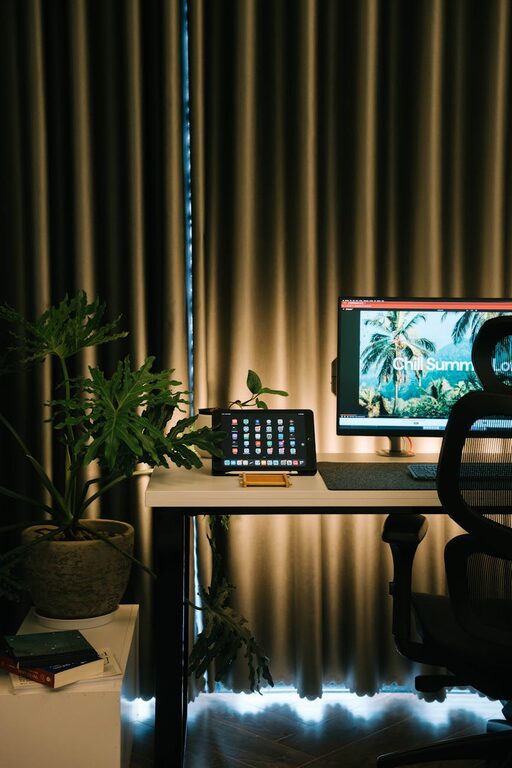
Tips for Creating a Cozy and Productive Home Office Space
Creating a home office that feels both cozy and productive…
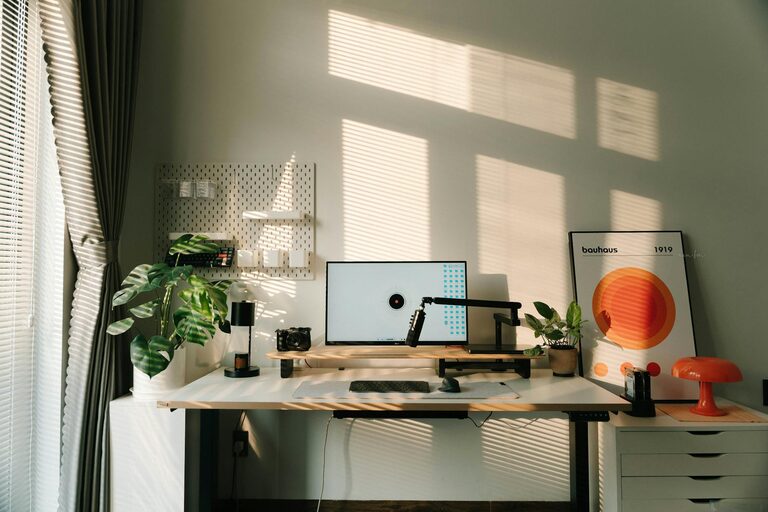
Tips for Creating a Cozy and Functional Home Office Space
Creating a home office that feels both cozy and functional…
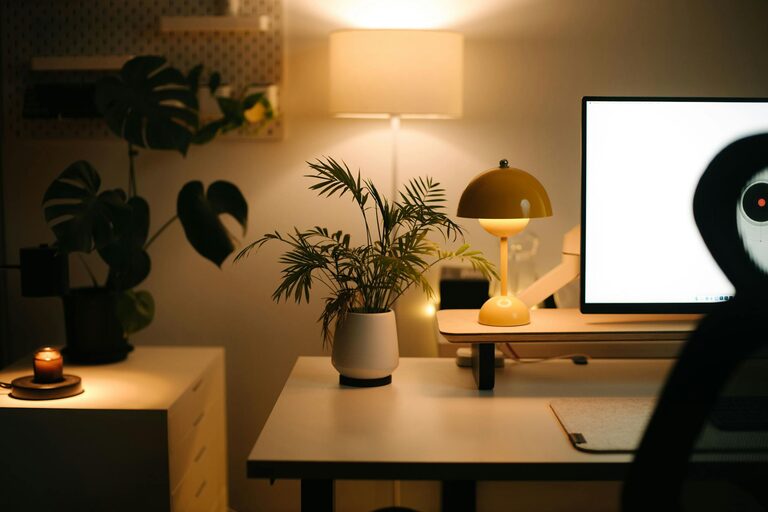
Tips for Creating a Relaxing Home Office to Boost Comfort and Productivity
Creating a relaxing home office environment is essential for maintaining…